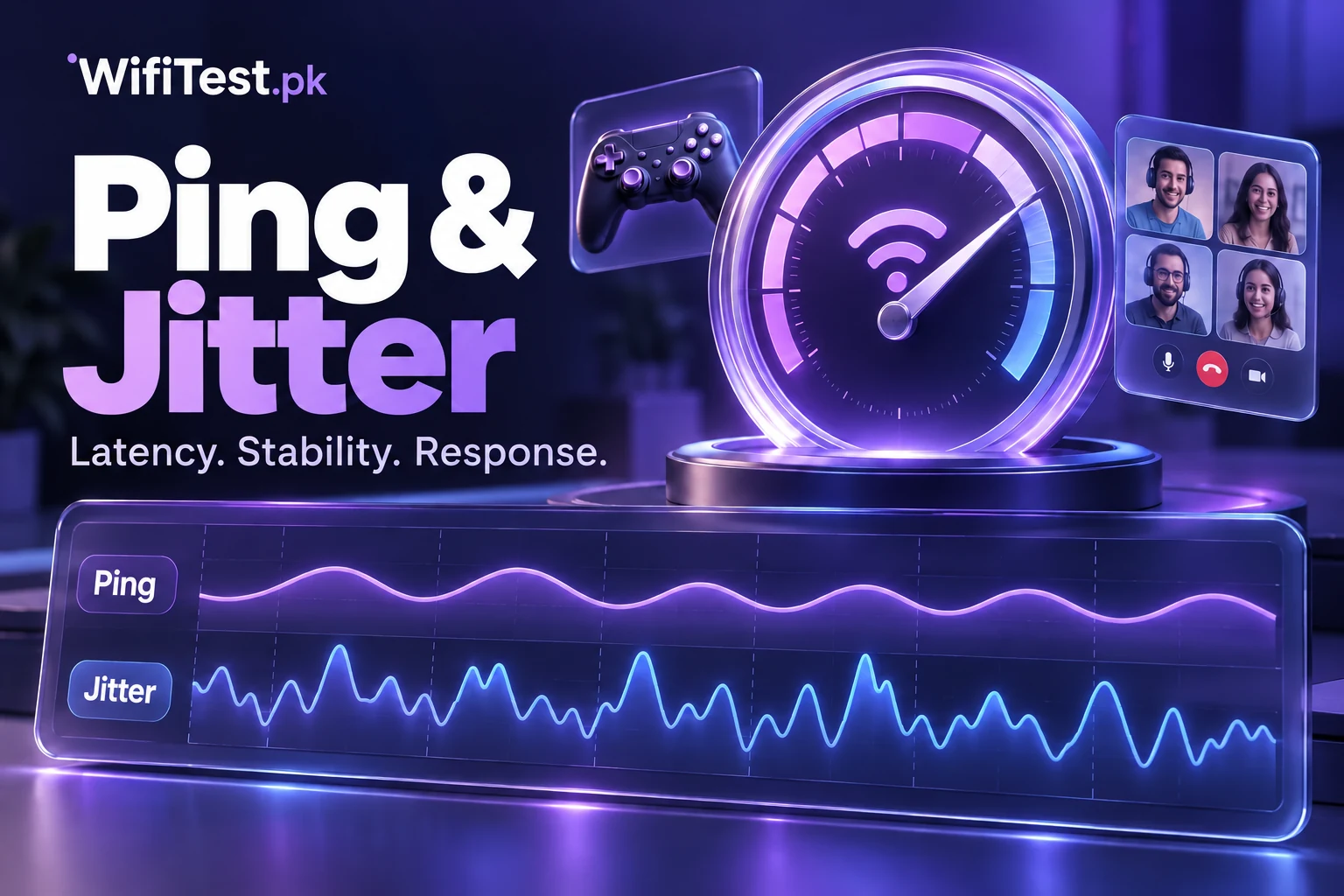
Your internet package might offer 50 or 100 Mbps, yet an online game still lags or a video call sounds robotic. That can happen because connection quality involves more than download speed. Ping tells you how long a network response takes; jitter tells you how much that delay changes from moment to moment. Both matter whenever information needs to arrive at the right time, not simply in large quantities. This guide explains the difference, useful benchmarks, causes of unstable results, and practical steps for connections in Pakistan.
Quick answer: Ping is usually the round-trip response time to a server, shown in milliseconds (ms). Jitter describes variation between latency measurements, also in milliseconds. Lower and more consistent results are generally better. Run our internet speed test for your connection's available readings, then interpret the numbers using the examples below.
What does ping mean on an internet speed test?
Think of sending a short question to a friend and waiting for the reply. A network ping checks a similar round trip: a tiny probe goes from your device to a destination, and a response comes back. The elapsed time is called round-trip time, or RTT. A result of 30 ms means that round trip took about three hundredths of a second. It does not mean that the connection can download 30 megabits of data per second.
People also use latency as a broader name for network delay. Some tools report a true ICMP ping, while browser-based speed tests may measure small HTTP requests instead. Those methods are useful but not identical, so avoid treating scores from different tools as perfectly interchangeable. The destination also matters: a nearby test server may respond quickly even when an overseas game server has higher latency.
What is jitter in internet speed?
Jitter measures the inconsistency of packet or probe arrival timing. Imagine four consecutive ping measurements of 20, 21, 19 and 22 ms. They remain close together, suggesting a stable path. Now compare 20, 95, 24 and 140 ms. Even if the connection transfers plenty of data overall, sudden changes make real-time conversations and games less predictable. A microphone stream may briefly break up, while a character in a game appears to jump position.
There is no single universal jitter formula across all testing services. A tool might use the average difference between consecutive latency readings, statistical variation, or a protocol-specific calculation. Compare repeated measurements within the same testing method, rather than assuming every published jitter number was calculated identically.
Ping vs jitter vs packet loss
Ping describes delay; jitter describes changing delay. Packet loss is different: some data packets fail to reach their intended destination or arrive too late to be useful. High ping can cause lag, high jitter can cause irregular lag, and loss can produce missing audio, failed requests or retransmission. These problems may occur together, but one does not automatically prove another. An unanswered diagnostic ping can also result from a server blocking probes rather than a faulty connection.
What is a good ping and jitter result?
There is no official worldwide pass-or-fail number because server location, application and measurement method differ. As a practical starting point, consider the following illustrative ranges, not service guarantees:
| Metric | Generally favorable | Worth investigating |
|---|---|---|
| Ping to a nearby server | Around 20–50 ms or lower | Consistently above 100 ms for a latency-sensitive activity |
| Jitter using one consistent tool | Ideally single-digit milliseconds | Repeated large spikes or readings around 30 ms and higher |
| Packet loss | None observed during repeat tests | Recurrent loss alongside call or game problems |
A distant game server may naturally deliver higher ping even with healthy broadband. Likewise, a short test may miss an intermittent problem. The most meaningful benchmark is whether the numbers remain stable to the same destination, at comparable times, and during the activity you care about.
Idle ping and loaded ping: why the difference matters
An idle test measures response time while the connection is comparatively quiet. Loaded latency measures it while significant downloads or uploads are happening. If ping rises sharply every time someone backs up photos or updates a game, the connection may be experiencing excessive queuing, often called bufferbloat. Buying more advertised Mbps does not always fix that problem.
Why ping and jitter become high in Pakistan
Common causes include a weak WiFi signal, crowded wireless channels, multiple people using the connection, peak-hour congestion, mobile-signal changes and long routes to international servers. A person in Karachi playing on a distant server may receive a different ping from someone in Lahore using a regional server, even if both subscribe to similar packages. Network routing changes are another reason two game titles can behave differently on the same connection.
For PTCL, StormFiber, Nayatel and other fixed connections, compare WiFi with Ethernet before blaming the ISP. For Jazz, Zong, Telenor or Ufone mobile data, compare the same test while stationary in two locations. Check our 4G internet speed test guide for a sensible mobile-testing routine.
How to check ping and jitter accurately
First, connect to the network you want to evaluate and close large downloads, VPNs you do not need, and background cloud transfers. Open the free internet speed checker and record its available speed and latency metrics. If jitter is not displayed, do not substitute a guessed figure. Use a service that explicitly measures it, or compare a series of latency samples to understand whether delay varies.
On Windows, ping -n 20 1.1.1.1 sends a series of ICMP requests. On macOS or Linux, use ping -c 20 1.1.1.1. These commands show individual round-trip times; they do not necessarily calculate the same jitter metric as a browser test. Repeat at morning and evening hours, and if gaming is your concern, test the actual game region or server when that information is available.
How to lower ping and reduce jitter
Use Ethernet for a desktop or console when possible. If you need wireless, move closer to the router and compare 5 GHz with 2.4 GHz; the faster band may be less congested nearby, while 2.4 GHz can reach farther. Pause uploads, cloud backups and game patches during important calls. Where supported, carefully configured smart queue management or quality-of-service controls can reduce congestion-related delay, but settings and results depend on router hardware.
Avoid treating a VPN as a universal gaming booster. It may improve a particular route, but it often adds another network hop. Rebooting an unstable router can help with a temporary fault; repeatedly factory-resetting it may erase ISP-specific settings. If a wired connection shows bad latency at several times of day, save test details and contact your provider with specific examples.
Frequently asked questions about ping and jitter
Is 20 ms ping better than 100 ms ping?
To the same destination under comparable conditions, yes: 20 ms indicates a faster round-trip response. A nearby test server and an overseas game server are not a fair direct comparison, however.
Can I have high internet speed but bad jitter?
Yes. Download and upload Mbps measure data-transfer capacity, while jitter describes timing variation. A busy router or unstable WiFi can cause jitter even on a fast fiber package.
Is zero jitter possible?
A tool may display 0 ms after rounding or a short sampling period. Real-world networks can still fluctuate, so repeat tests and look for consistency rather than demanding an exact zero.
Does changing DNS reduce gaming ping?
A DNS change can affect how quickly a hostname is resolved initially, but it usually does not reduce the ongoing round-trip time to a game server. Routing and congestion matter more during play.
Is ping the same as download speed?
No. Ping uses milliseconds and measures responsiveness; download speed uses Mbps and measures incoming data throughput. Review how to test WiFi speed if you want to compare both at home.
Continue reading
For a complete picture, explore what download speed means, what upload speed means, and why internet becomes slow in Pakistan. Each explains a different part of the same speed-test result. You can return to the homepage internet speed test whenever you are ready to check again.